Skip to content
MENA

Portals, permits and cheques, already in place

Switch Property Finder, Bayut and Dubizzle on at the listing itself, keep the permit number and cheque count where they belong, and name locations the way your emirate does, right down to the building.

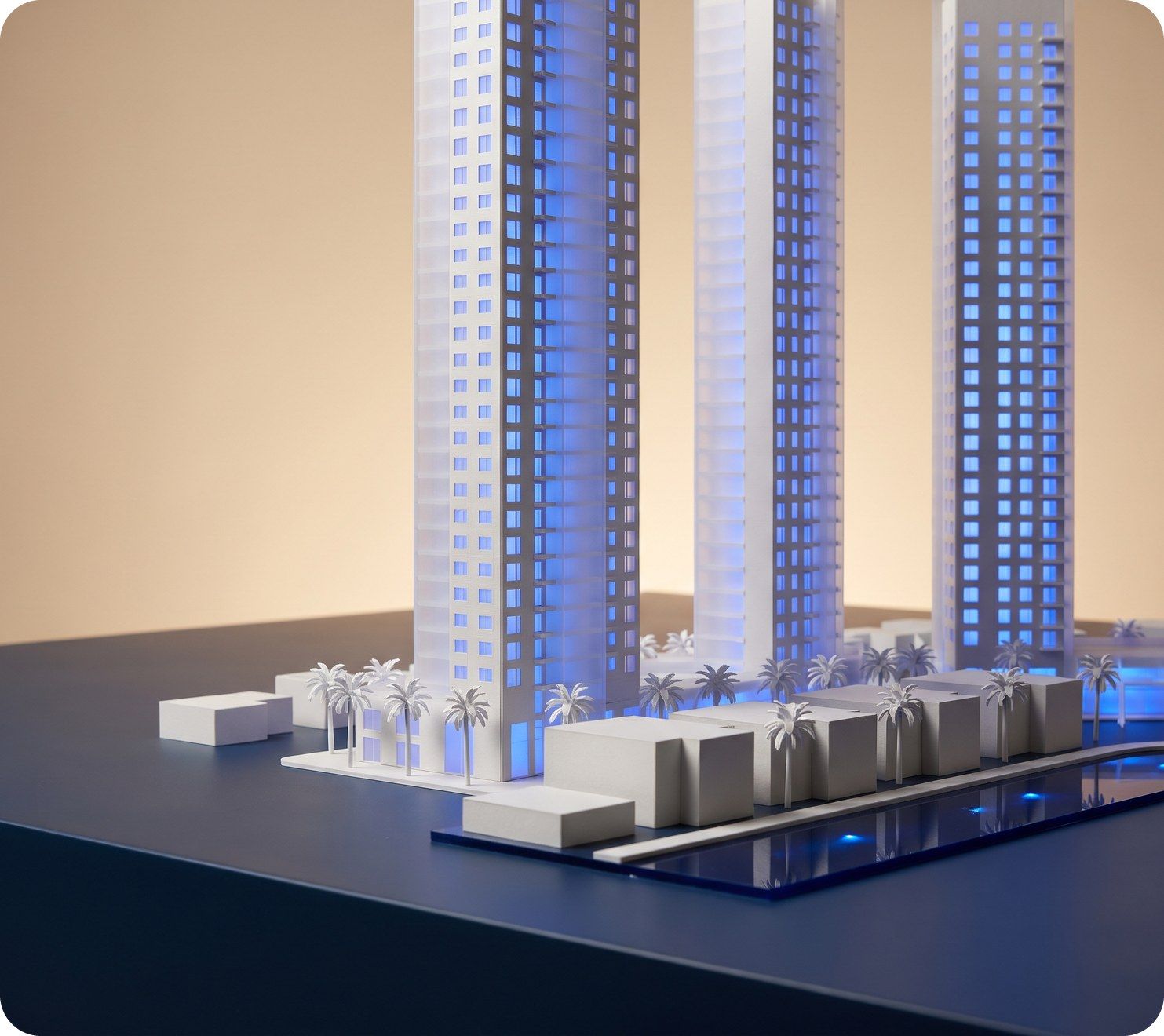
Three tall white model towers lit blue, above a waterfront row of low buildings and palms
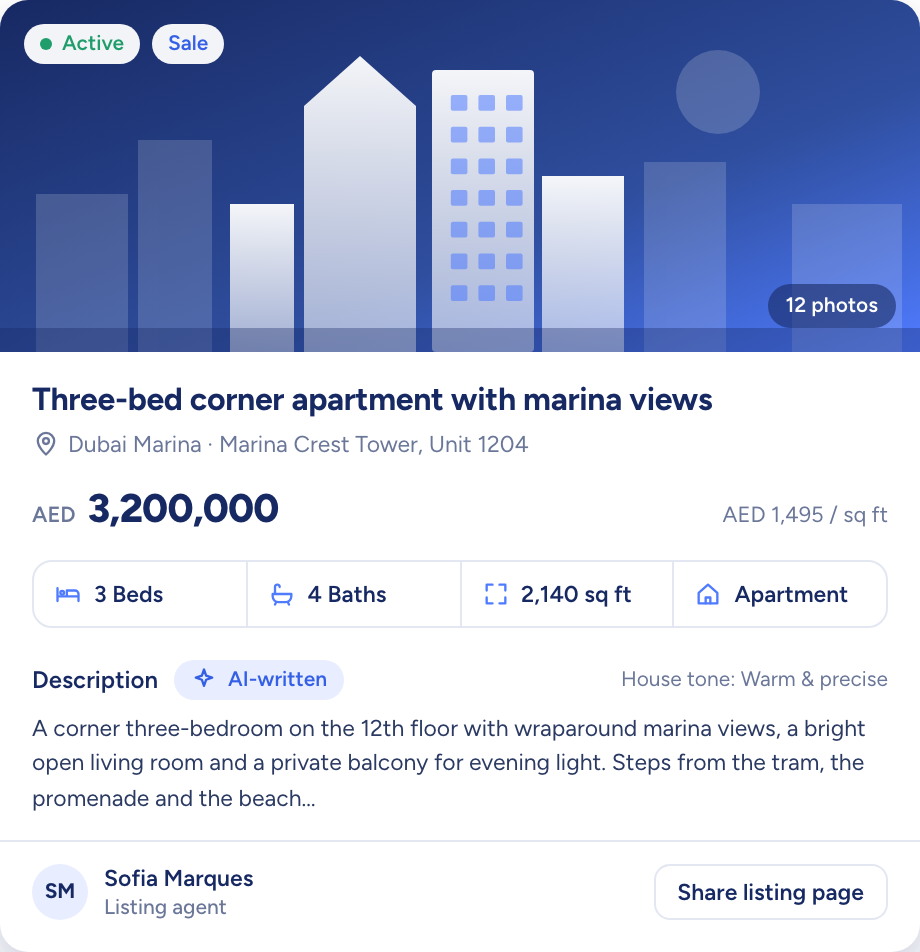
A listing record for a three-bed apartment: price, rooms, area and an AI-written description

Raptor Neo takes on

Sending listings to the portals, showing where each one is live and holding the permit, tenure and cheque details.

You keep

Meeting the clients and closing the deals.

  • Property Finder, Bayut and Dubizzle, per listing
  • Locations four levels deep, named by you
  • Permit number, tenure and cheques as fields
How it flows

UAE details in, live on the portals

What goes in

  1. 01 Your locations EmirateDistrictSub-communityBuilding
  2. 02 Your listing Permit numberTenureCompletion status
  3. 03 Your rent terms ChequesPayment method
A listing record for a three-bed apartment: price, rooms, area and an AI-written description

What comes out

  • Portal listings Property FinderBayutDubizzle
  • Status per portal PublishedUnpublished
  • Buyers matched By locationBy budget
What it does

Three portals, one listing record

Each listing carries its own portal switches. Turn one on and the record shows, portal by portal, whether the listing is published there, so nobody has to sign in to a portal to check.

  • Only Active listings are sent
  • A listing missing a required portal field is held back
  • The same title and description go to each portal

A model house with lines of blue light running out to a row of small billboards

Locations named the way the emirate does

Build your location tree once in Settings, up to four levels deep, from emirate to district, sub-community and building, or import it from a CSV file. Listings and properties then pick from the same tree, and the listing filters use it too.

  • Up to four levels, in your own names
  • The whole tree imported from CSV
  • Imports only add places, never rename them
A white model phone among map pins, a key and a speech bubble

UAE fields on every listing

Listings carry the permit number, tenure, completion status and plot size, and rent listings add the cheque count and accepted payment method. Prices and areas follow the currency and unit set for your workspace.

  • Off-plan or ready, primary or secondary
  • Freehold or 999-year lease
  • Cheques from 1 to 12 on rent listings
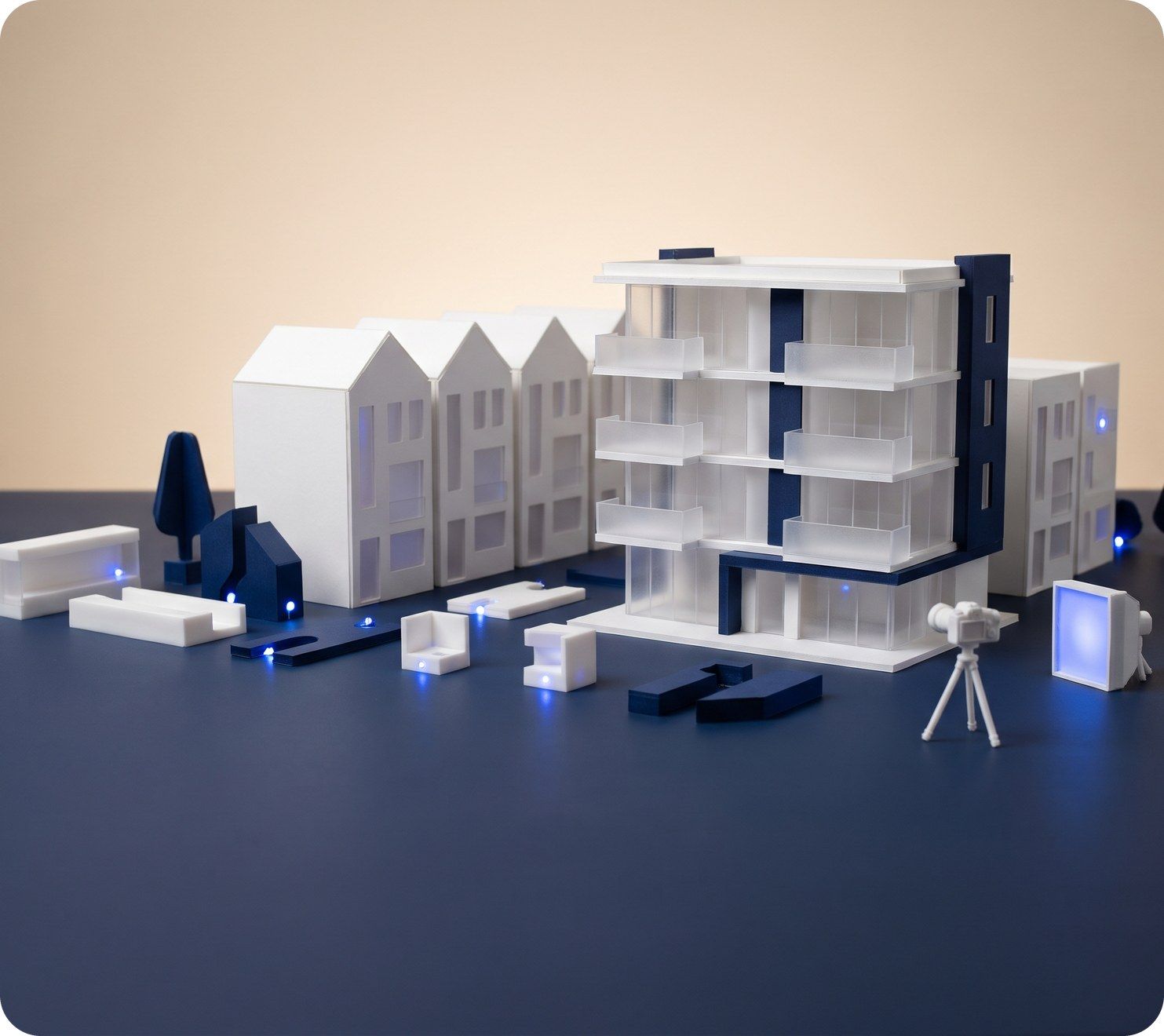
A white scale model of an apartment block with a small camera on a tripod photographing it

How agencies in the UAE use Raptor Neo

Open any module below to see how it does the job.

Questions

Asked and answered

Which portals are connected?

Property Finder, Bayut and Dubizzle are all connected. Bayut and Dubizzle run on a single shared feed, so one connection covers both.

Where does the permit number go?

On the listing, as a field of its own. It applies to UAE listings and is usually six to nine digits long.

Can I publish Arabic titles and descriptions?

Not today. The portals' separate Arabic title and description fields aren't filled yet, and AI drafts listings in English.

Does Raptor understand Arabic?

Yes. Ask Raptor, the assistant, in Arabic or English and it replies in the language you used.

Do portal enquiries arrive as contacts?

Not automatically today. Raptor Neo publishes listings out to the portals; enquiries are added as contacts by hand or by CSV import.

Every dealin sight.

Start the free trial today, or book a demo and see it run on your own listings.