Skip to content
Properties and listings

All your stock, seen from above

Start from the building and its units and listings come with it, or start from a single listing. Either way, AI turns the details you entered into a title and description, and nothing is saved until you have read it.

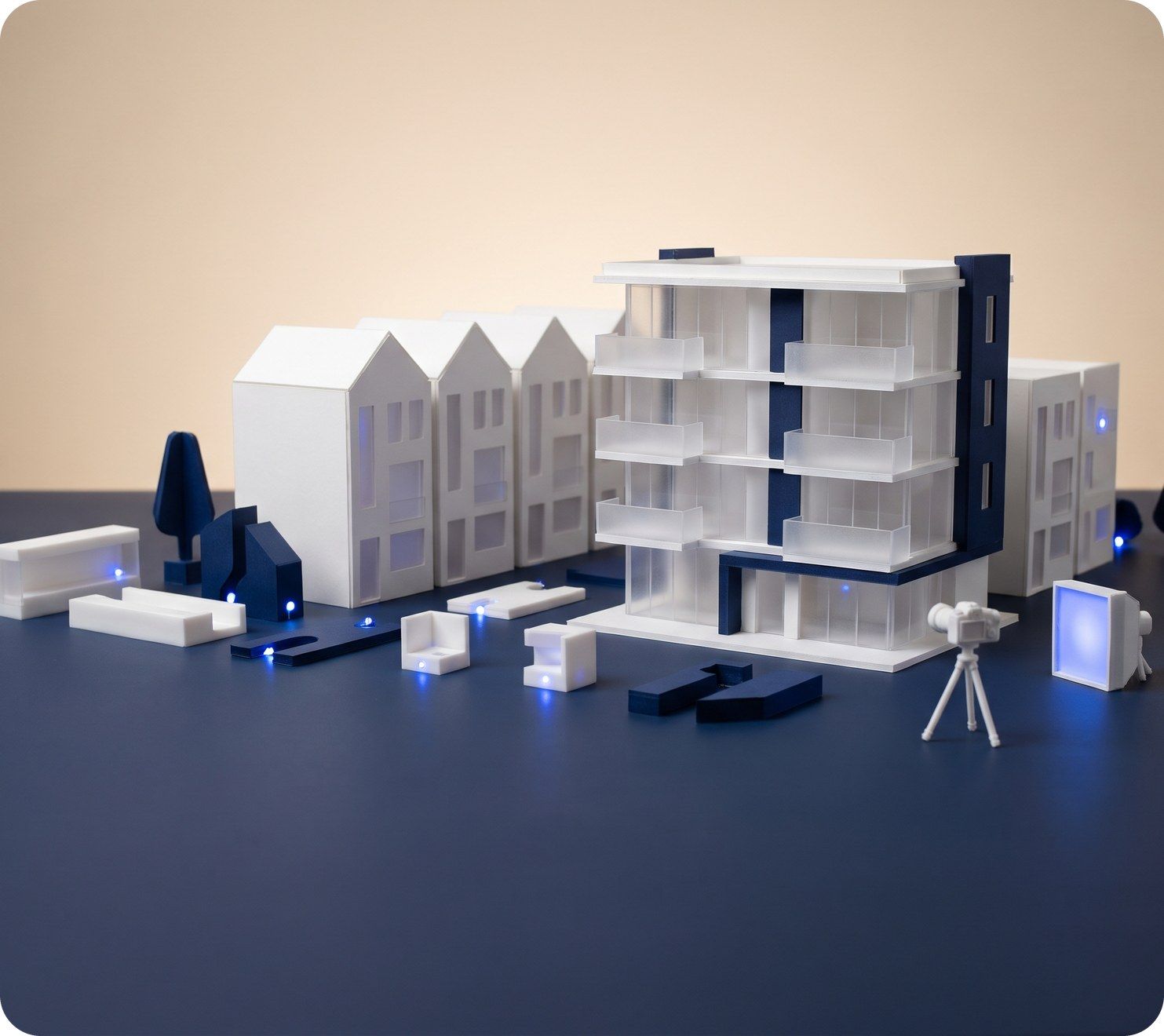
A white scale model of an apartment block with a small camera on a tripod photographing it
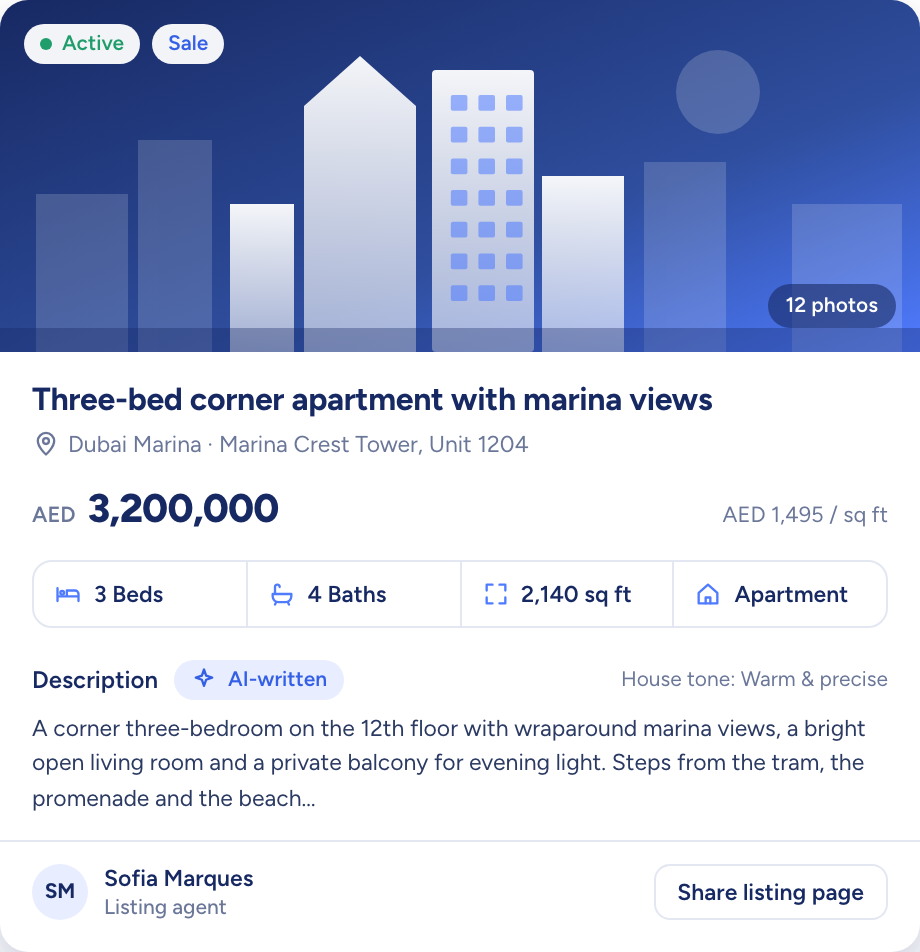
A listing record for a three-bed apartment: price, rooms, area and an AI-written description
  • Every listing visible to every agent
  • Save a Draft half done; Active is checked
  • Up to 20 photos and 10 floor plans each
How it flows

Facts in, listings out to every channel

What goes in

  1. 01 A new development Towers × floors × unitsA listing per unit
  2. 02 A resale instruction SaleRent
  3. 03 The listing details PhotosPermit numberBuilt-up area
A listing record for a three-bed apartment: price, rooms, area and an AI-written description

What comes out

  • Property portals Property FinderBayutDubizzle
  • Matching buyers Match scoreAdd to a campaign
  • Campaigns Share linkViewing requests
What it does

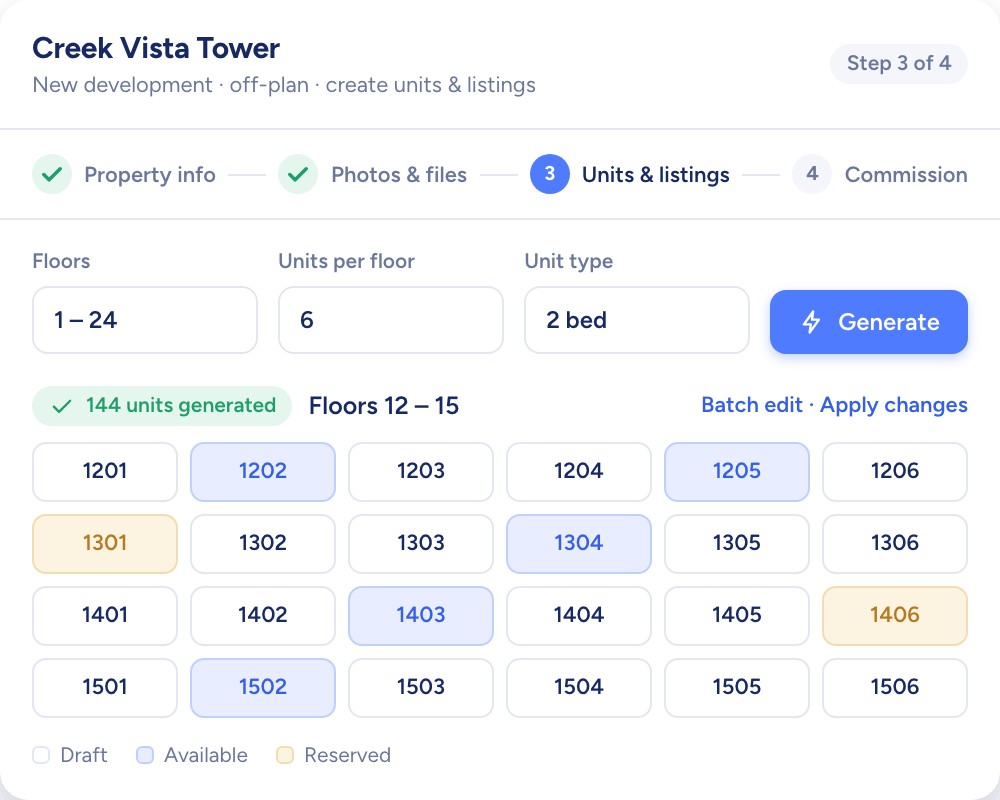
Map the tower once, and every unit gets a listing

Give a new development its towers, floors and units per floor, and Raptor Neo generates every unit with a sale listing attached. Location, address and amenities flow down from the property, and any unit can still differ.

  • A sale listing created for every unit
  • Year built and developer kept on the property
  • Total, available and reserved units on the property list
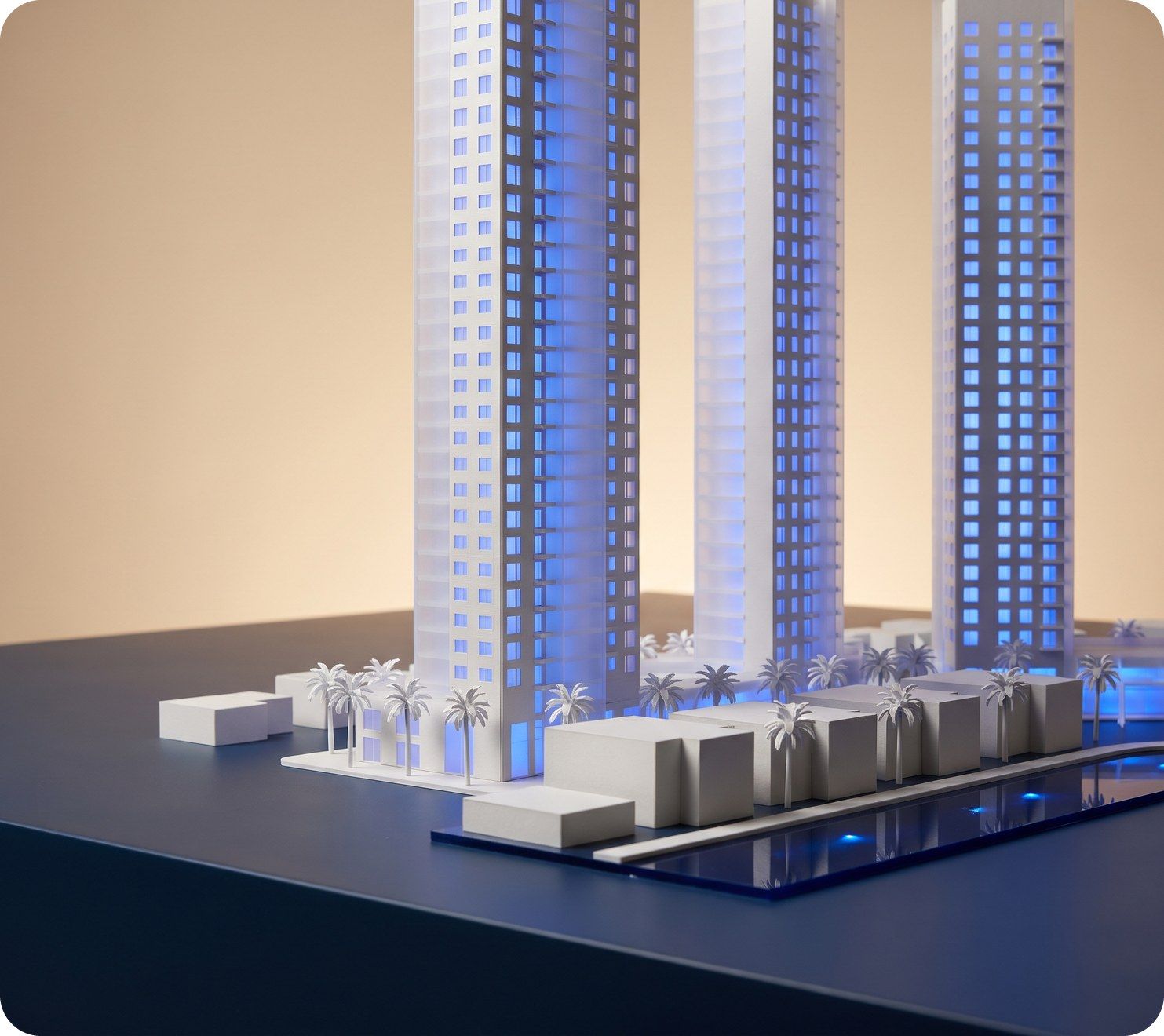
Three tall white model towers lit blue, above a waterfront row of low buildings and palms
Creating a new development: floors and units per floor generate the full unit grid in one step

Facts on the record, a first draft in one press

Press AI Generate and the title and description are drafted from the details already on the record. You read it, change what you like, and only then does it save.

  • Written in your agency's chosen style
  • You edit before anything is saved
  • An existing listing name is never overwritten
A curved white model desk with three blank screens and a blue glow
You add
  • Bedrooms and bathrooms
  • Built-up area
  • View and amenities
Raptor Neo

Three portals, one glance at the record

Portals are chosen on the listing itself, and the record marks each one published or unpublished. One look tells you where the unit is live.

  • A status for each portal
  • Only Active listings are sent out
  • Clear a portal to unpublish
A model house with lines of blue light running out to a row of small billboards

Properties and listings at work

The jobs it takes off an agent's desk, week in, week out.

Questions

Asked and answered

How many photos can a listing hold?

Up to 20 photos, each up to 2MB, in JPG or PNG. Floor plans sit separately: up to 10 files of up to 5MB each.

Can I save a listing before every field is filled in?

Yes. A listing can stay a Draft with only some fields filled in. The required fields are checked when you set it to Active.

Who can see a listing?

Every agent in the agency: listings are shared with the whole team, whatever each person's role.

Contact details on a listing stay masked for anyone without access to that contact.

Can I delete a listing that is in use?

No. A listing linked to a deal, a contact, a campaign or a property can't be deleted, on its own or in a bulk delete.

Does a duplicated listing keep its photos?

No. A duplicate copies the listing's details under a new listing ID, and its photos, floor plans and files start empty.

Which language does AI write listings in?

English. Titles and descriptions are drafted in English at launch.

Every dealin sight.

Start the free trial today, or book a demo and see it run on your own listings.