Skip to content
Contacts

Every client in view, before you pick up the phone

Each contact carries what they want to buy or rent, a 1 to 5 rating on ten things that matter to them, and the calls, viewings and notes your team has logged. A single contact can buy, rent and let property all at the same time.

A navy card-index box of white cards beside a corded phone and model houses
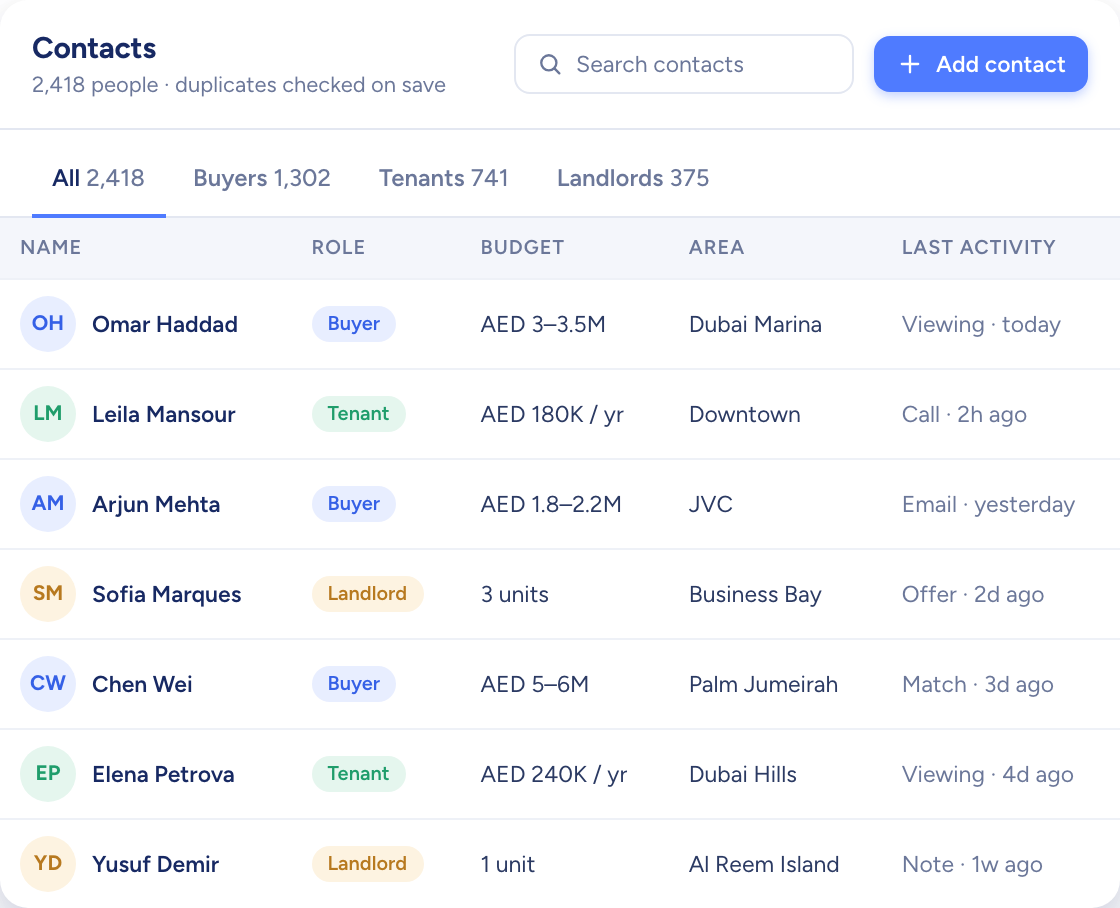
The contacts table with buyers, tenants and landlords, their budgets, areas and last activity
  • Name plus phone or email, checked for duplicates
  • Agents see their own; the rest comes by share or request
  • Up to 10,000 contacts in from a single CSV
How it flows

People in, matches, campaigns and deals out

What goes in

  1. 01 A new contact Added by handDuplicates flagged
  2. 02 Where they came from ReferralWalk-inSources you define
  3. 03 A CSV file Up to 10,000 rowsColumns matched to fields
The contacts table with buyers, tenants and landlords, their budgets, areas and last activity

What comes out

  • AI Match Best-fitting listings first
  • Campaigns A shortlist and a share link
  • Deals Tracked stage by stage
What it does

Ten things that matter, each rated 1 to 5

Price, location, layout, amenities, building age, pets, floor level, view, built-up area and transport. Every rating starts at 5 and you turn down what a client cares less about. Raptor Neo uses the ratings to rank listings for them, never to hide one.

  • Separate buy and rent profiles
  • Budget, size, area and bedrooms on file
  • Preferred viewing days noted
The raptor chick watching over rows of white model houses, one of them lit blue
You add
  • Price
  • Location
  • Floor level
  • Pets
Raptor Neo

Calls, viewings and notes, kept on the contact

Log a call or an activity from the contact itself. The side panel shows the latest three without opening the full profile, and every viewing carries its status: scheduled, completed, no-show or cancelled.

  • Latest three activities in the side panel
  • Notes kept newest first
  • Email from the record once Gmail or Outlook is connected
A white model phone among map pins, a key and a speech bubble
The contacts table with buyers, tenants and landlords, their budgets, areas and last activity

One owner per contact. Access by invitation.

Agents see the contacts they own and any a colleague has shared with them. Open one you can't access and Raptor Neo offers a request in its place, which reaches the owner by email to approve or deny.

  • View to read the record, Edit to work it
  • An email when a contact is shared with you
  • Pending requests marked with a badge
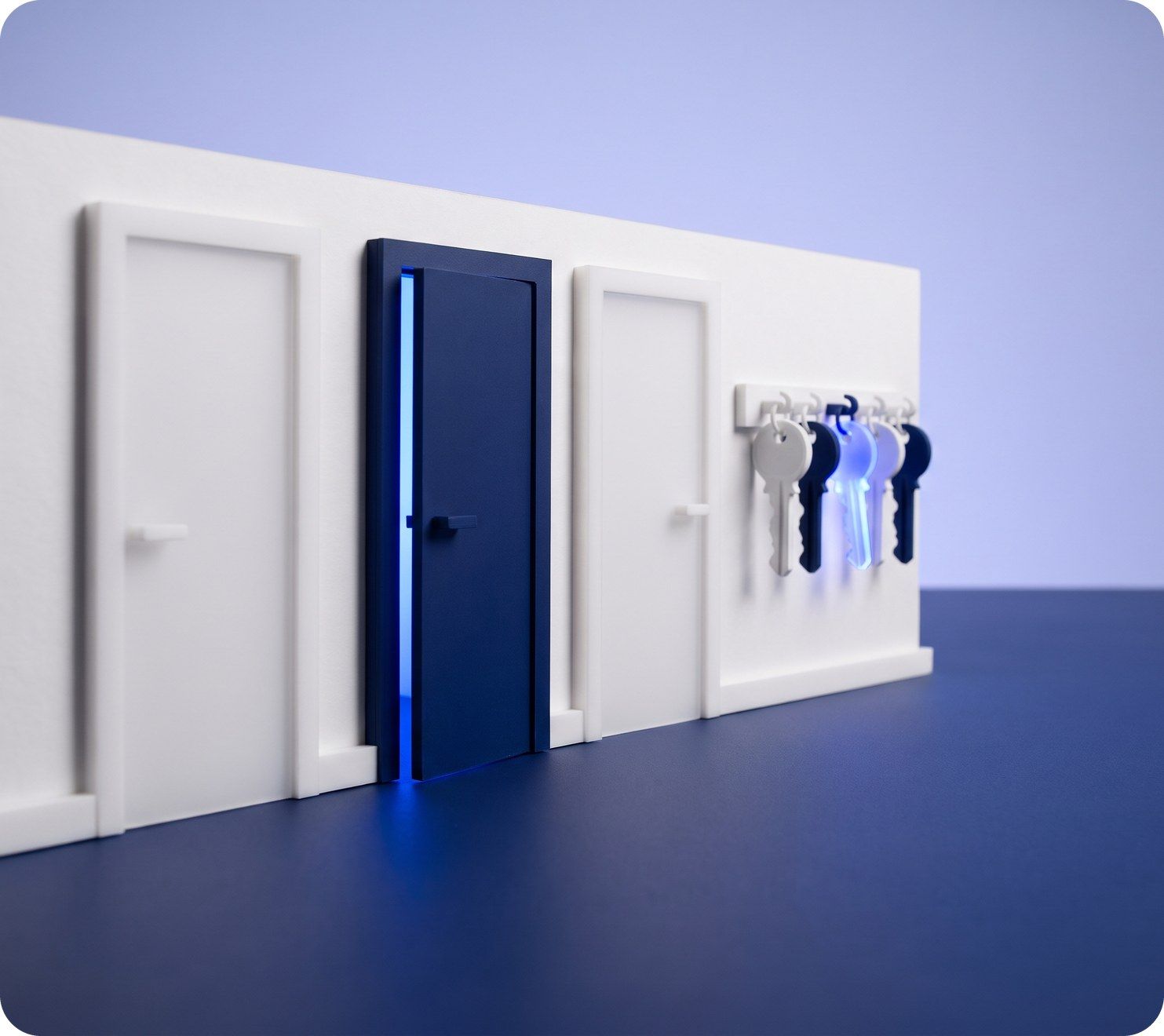
Three model doors in a white wall, one navy, with keys hanging on a rack

Contacts at work

The jobs it takes off an agent's desk, week in, week out.

Questions

Asked and answered

Can one contact be a buyer and a landlord?

Yes. Roles stack on one contact, and every role brings a section of its own: a buy profile, a rent profile or landlord preferences.

How does Raptor Neo stop duplicate contacts?

When you create a contact, it compares the first and last name together with the phone number or email. If they match someone already on file, you are told before a second copy is saved.

Can I import contacts from a spreadsheet?

Yes. Upload a CSV with as many as 10,000 rows, then match its columns to Raptor Neo's fields before anything is imported.

What can a colleague do with View access?

Read everything on the contact, but not edit it, delete it or add notes. Edit access lets them update the contact and add notes, activities and deals.

Can I delete a contact that is linked to a deal?

No. A contact linked to a deal or a campaign can't be deleted, so the history behind the work stays intact.

Can I email a contact from Raptor Neo?

Yes, after your Gmail or Outlook account is linked. Mail goes out from that account, and you can attach files to it.

Every dealin sight.

Start the free trial today, or book a demo and see it run on your own listings.