
Skip to content
Settings and roles

Set the rules once, and every record follows

Decide what each role may do and how much of the contact and deal book it sees, add your people and teams, and fit the deal stages, contact roles, property types and location levels to your market. One currency, one unit of area and one timezone apply across the workspace.

A white model crane lifting a navy panel onto a stack of printed boards
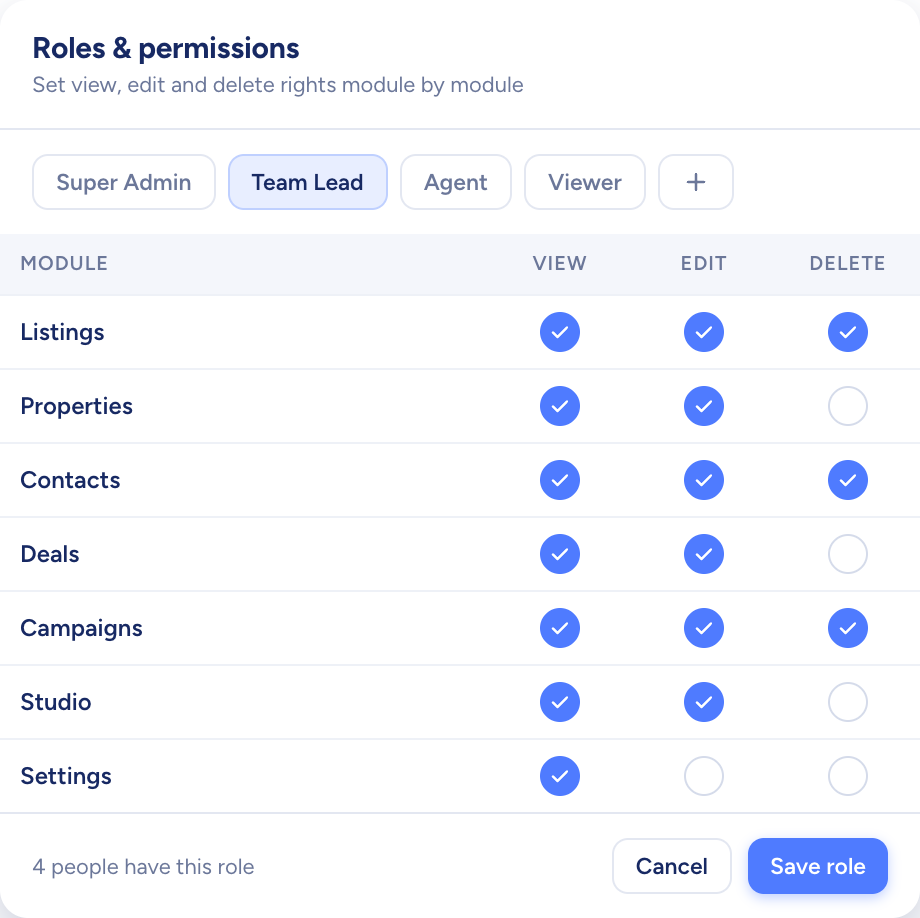
A roles screen setting view, edit and delete rights for each module
  • Four location tiers, region down to building
  • Extra fields on any stage or role
  • Pay by the year or by the month
How it flows

Your setup in, the same rules on every screen

What goes in

  1. 01 The team RolesUsersTeams
  2. 02 Your process Deal stagesContact rolesSources
  3. 03 Where you sell LocationsProperty typesAmenities
A roles screen setting view, edit and delete rights for each module

What comes out

  • Visibility Own recordsPlus the teamEveryone's
  • Extra fields On deal stagesOn contact roles
  • Workspace defaults CurrencySq m or sq ftTimezone
What it does

Every role sees exactly what it should

Four roles come built in, and you can add custom ones. Module by module, decide what each role may do. Then set how far its view of contacts and deals reaches: just its own records, its team's too, or the whole agency's. Everyone in the workspace can always see listings and properties.

  • Built-in role names stay fixed; custom roles are yours to name
  • A new custom role starts with nothing switched on
  • Single contacts can also be shared with chosen agents
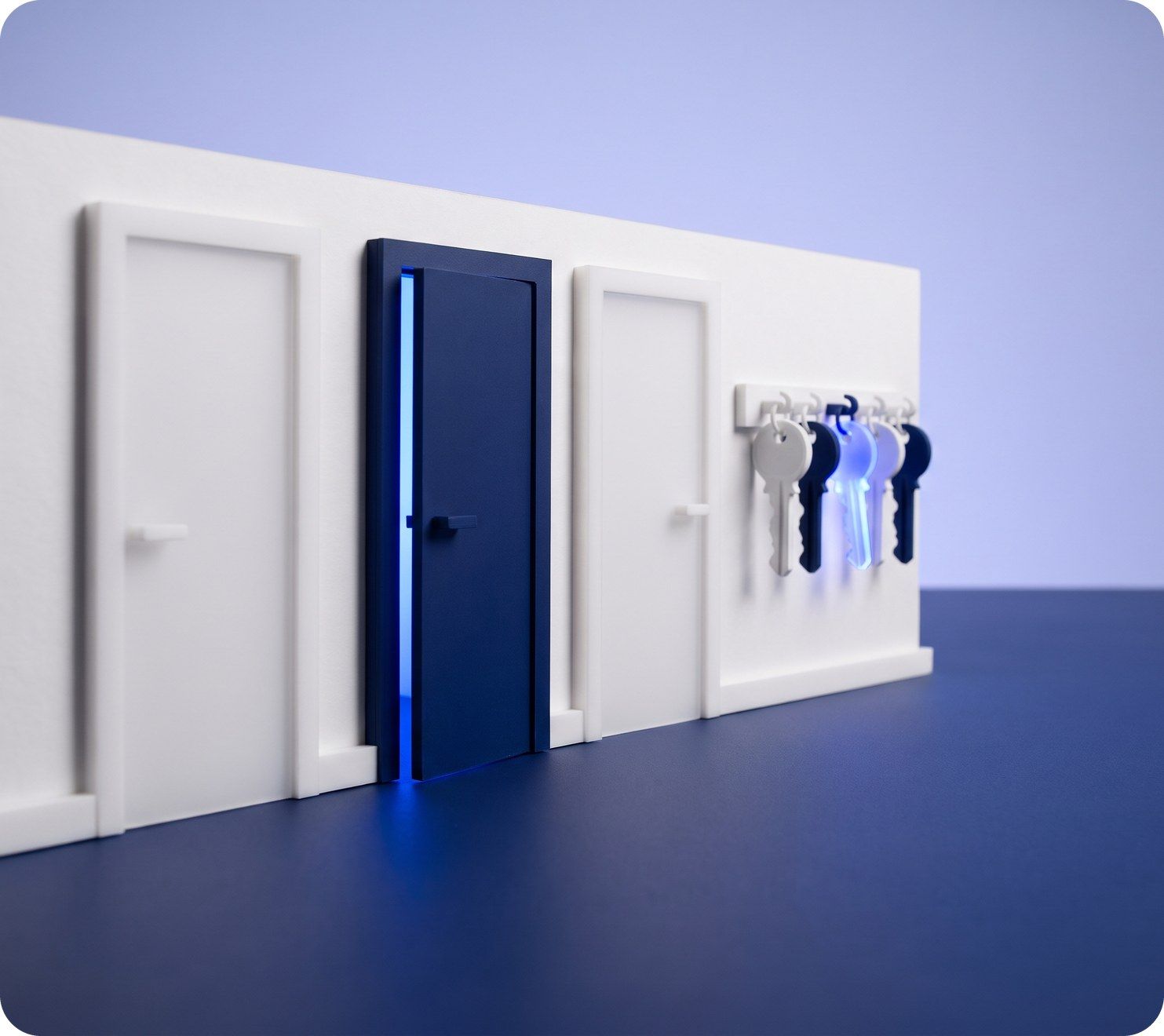
Three model doors in a white wall, one navy, with keys hanging on a rack

Shape the pipeline and the map to your market

Deal stages come in two sets, one for new developments and one for resale. Move stages up or down, hide those you never use, add new ones and attach extra fields to any stage. Locations run up to four levels, from the emirate down to the building, and can be imported from a CSV file.

  • Preset options can be hidden but not deleted
  • Custom sections and fields for each contact role
  • Property types and amenities picked from a list or added
Three tall white model towers lit blue, above a waterfront row of low buildings and palms

People, email and the plan, in one place

Each agent links their own Gmail or Outlook, so emails and campaigns leave under their own address. An admin creates the user accounts with a starting password, which users can swap through Forgot password, sorts people into teams and picks yearly or monthly billing.

  • A deactivated user keeps their data and frees a seat
  • One AI writing style across the workspace
  • Plans and billing visible to the top admin only
Paper planes flying out of a white model mailbox past two model houses
You add
  • Users
  • Teams
  • Gmail or Outlook
Raptor Neo

Settings and roles at work

The jobs it takes off an agent's desk, week in, week out.

Questions

Asked and answered

Who can change the workspace settings?

The person who creates the account gets full access to every module and setting, and most configuration screens are kept for that top admin role. Email settings are the exception: each user connects their own mailbox.

Everyone manages their own profile and password.

How do I add a new user?

An admin adds them and sets a password. They sign in with it, or use Forgot password to choose their own. Each active user takes one seat.

What happens when someone leaves?

Deactivate them and their login stops working while their data stays, and their seat is freed. Delete a user and only the user record goes: their contacts and deals stay put, with no new owner assigned.

Can I remove a preset deal stage or property type?

Presets can't be deleted, but you can hide any you don't use so they drop out of the forms. Stages, property types and amenities you add yourself can be removed.

Which units and currency does Raptor Neo use?

Floor areas show in square metres or square feet, and every money amount, from asking prices to commission, uses the one workspace currency. Country, timezone and these defaults are set once for everyone.

What does a password need?

At least 8 characters, including an uppercase letter, a number and a special character.

Every dealin sight.

Start the free trial today, or book a demo and see it run on your own listings.